

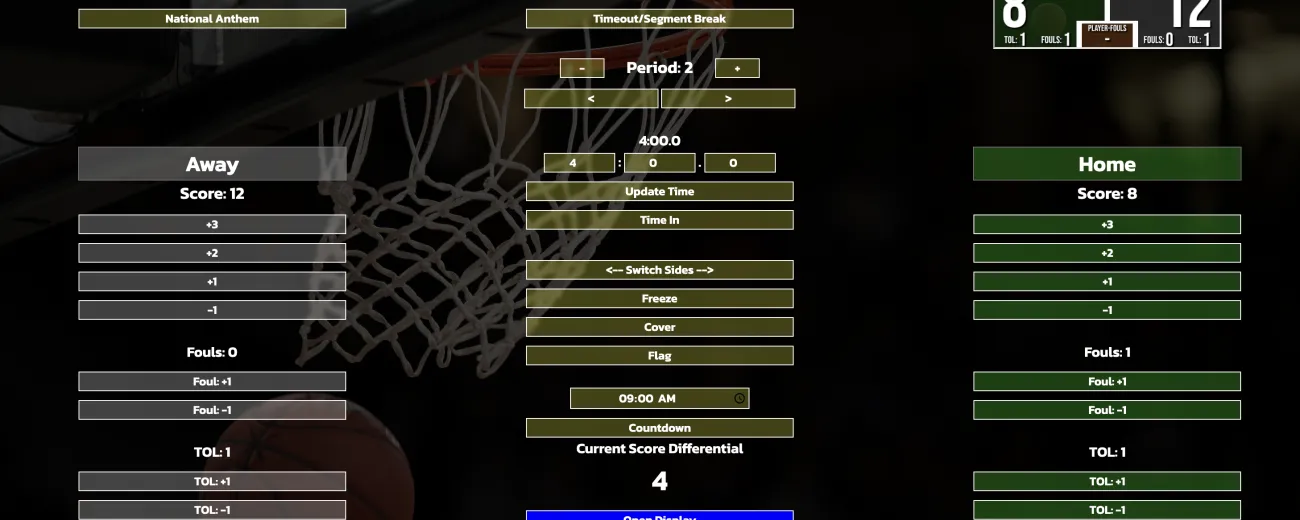
This is a scoreboard that has a controller in one window/tab and a display to put on a screen to act as a scoreboard on the other tab/window. To use all the features of this, you need to put several audio files into the 'assets/Music' and 'assets/Intros' folders. These should be titled 'audio-1.mp3','audio-2.mp3', and so on. The highest number on the audio files needs to be added to the num_music and num_intro variables at the top (lines 2 and 3) of the 'assets/app.js' file. There needs to be an 'anthem.mp3' audio file in the assets folder. This will be played when the National Anthem is played. There needs to be an 'american flag.jpg' image file to be shown when the flag button is selected in the assets folder. A 'logo.png' needs to be placed in the assets folder to be shown on the countdown screen and cover screen. There is a teams.json file that needs to be populated. All players first and last names, along with their teams should be entered to this. There is an example of a couple of entries in there already, use the same format and the program will use this to populate the options for team names for the scoreboard as well as the options for showing player names on the introductions page. While this is not my most recent project, it is a project that I have continued to work on and it has continued to include more features.
Browser Scoreboard GitHub Repository